Introduction of GitHub
New to coding? Start here. In about 7 minutes you will understand what Git and GitHub are, how they work together, and why almost every developer uses them. No coding needed.
Git
The tool, on your computerSaves every version of your project, like save points in a video game. Made a mistake? Jump back to any save point.
GitHub
The website, in the cloudAn online home for Git projects, like Google Drive for code. Teams share their work, review it and build it together.
GitHub is a cloud-based platform that helps developers store, manage, and track changes to their code. It combines the power of Git, a version control system, with a collaborative interface that makes teamwork across distributed teams possible. Whether you are building a solo project or contributing to a large open-source codebase, GitHub provides the tools to manage your work effectively.
Large-scale version control
GitHub enables large-scale version control, letting teams track every change made to a project over time.
Public and private repositories
It supports both public and private repositories, making it suitable for open-source projects and proprietary software alike.
Paid plans for teams
GitHub offers paid plans with additional features like advanced security, larger storage, and team management tools.
How to Start with GitHub?
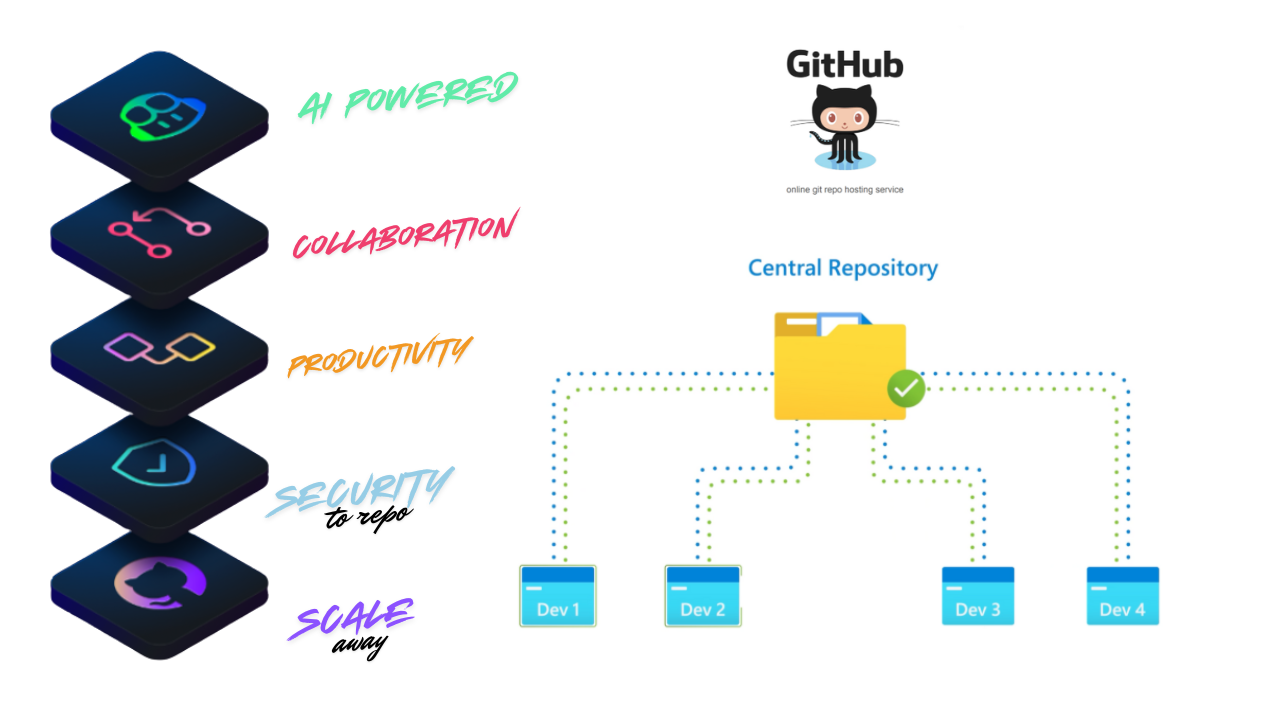
As a developer, you often want to share your work, get feedback, and collaborate with others. GitHub makes this possible by providing a central place where code can be hosted, reviewed, and improved together. Instead of emailing files back and forth, teams can work on the same codebase simultaneously without overwriting each other's work.
Other platforms that offer similar functionality include Bitbucket, GitLab, and Azure Repos. Each has its strengths, but GitHub remains the most widely adopted platform for hosting open-source projects and developer portfolios.
Consider a team building an e-commerce website. Developer 1 works on the product listing page, Developer 2 handles the checkout flow, and Developer 3 builds the user authentication system. Each developer works on their own copy of the codebase locally. When their feature is ready, they push the changes to the shared remote repository on GitHub. A senior developer then reviews the code through a pull request and merges it into the main branch, making the new features available to everyone.
What is Git?
Git is the engine that powers GitHub. It is a free, open-source distributed version control system created by Linus Torvalds in 2005. Torvalds originally built Git to manage the development of the Linux kernel, which required a system that could handle thousands of contributors efficiently.
Git tracks changes to files over time, allowing developers to revisit earlier versions of their code, understand what changed and when, and coordinate work across a large team without conflicts.
- 1Create homepageMon 10:02
- 2Add login pageTue 14:30
- 3Fix a typoWed 09:15
- 4Add dark modeNow
Broke something in step 4? Go back to step 3 in seconds. That is what version control gives you.
What is a Version Control System?
Version control system
Imagine you are working on a project and you accidentally delete an important function. Without version control, recovering that code would be difficult or impossible. A version control system (VCS) acts like a detailed history log. Every change you make is recorded, along with who made it and when. You can roll back to any earlier state at any point.
Distributed version control
Git is a distributed version control system (DVCS), which means every developer has a full copy of the project history on their local machine. This makes it faster and more resilient than older centralized systems.
Core Git terminology
5 terms shownRepoRepositoryThe top-level folder where Git stores all project history and records
Working TreeTreeThe current state of files in your active project directory
CommitA saved snapshot of changes at a point in time
BranchA series of linked commitsAn independent line of development; the latest commit is called HEAD
RemoteA reference to a Git repository hosted on another machine or server
Why Learn GitHub?
GitHub builds on top of Git by adding a visual interface, collaboration features, and a large developer community. Here is why learning GitHub is valuable:
Industry standard
The majority of open-source projects and many private companies use GitHub to manage their codebases.
Portfolio visibility
Your GitHub profile acts as a public portfolio that employers and collaborators can view.
Collaboration tools
Features like pull requests, code reviews, and issue tracking make teamwork structured and transparent.
Automation
GitHub Actions allows you to automate repetitive tasks like testing, building, and deploying your application.
Community
GitHub hosts millions of open-source projects, making it a great place to learn from real codebases and contribute to projects you use.
The typical GitHub workflow looks like this: you clone a repository to your local machine, create a new branch for your feature, make and commit your changes, push the branch to GitHub, and then open a pull request asking the project maintainer to review and merge your work.
Clone
Download a copy of the repository to your computer.
git clone https://github.com/user/repo.git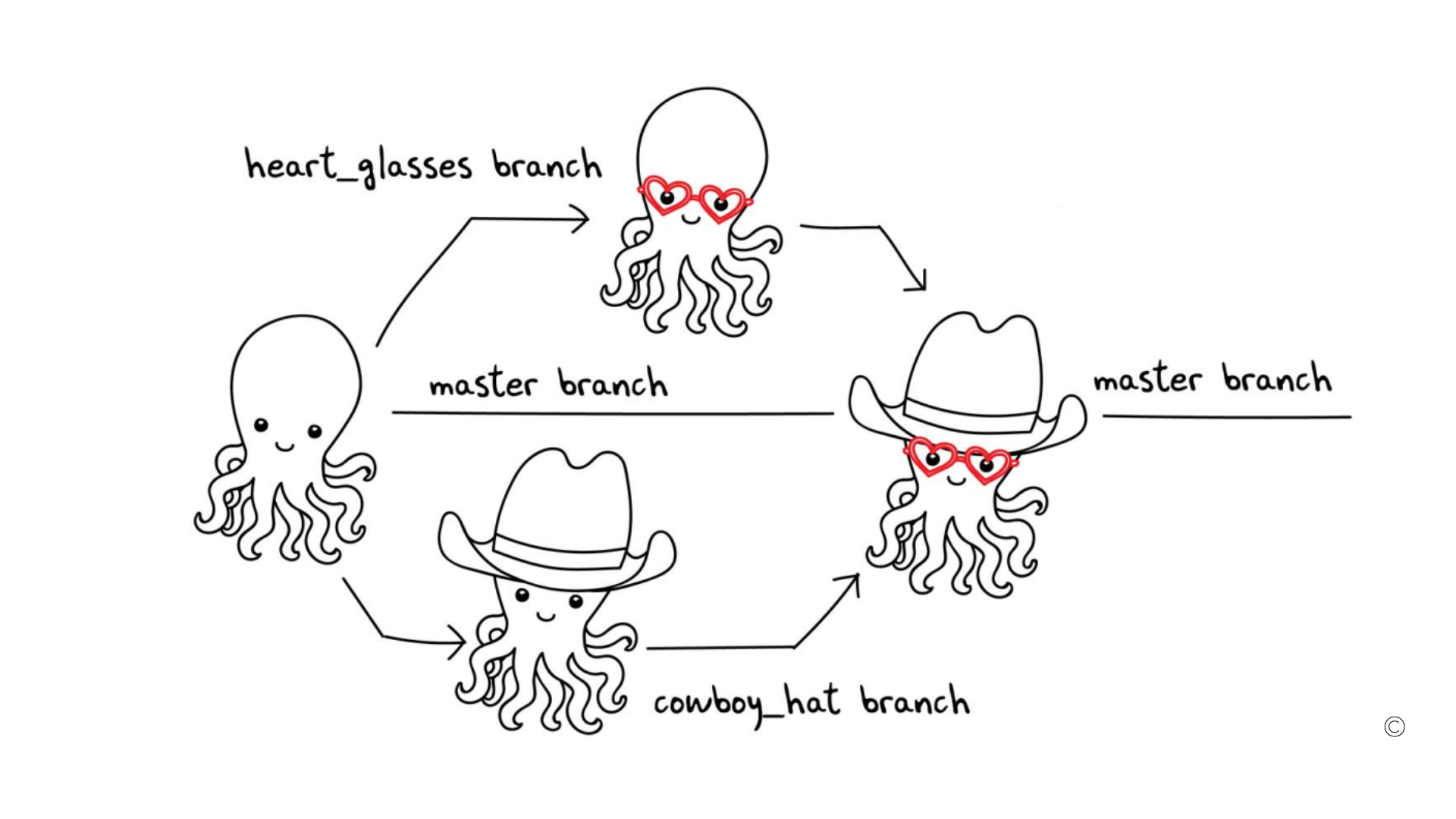
Issues
A place to report bugs, request features, or track tasks
Discussions
A space for community conversations and questions
Pull Requests
A request to merge your changes into the main codebase after review
Labels
Tags used to categorize issues and pull requests (e.g. bug, enhancement)
Actions
Automation workflows that run on events like push or pull request
Forks
A personal copy of someone else's repository under your own account
A fork is useful when you want to contribute to a project you do not have direct write access to. You fork the repository, make your changes in your own copy, and then submit a pull request to the original project.
Watch the Video Tutorial
- Git is the tool on your computer that saves every version of your project.
- GitHub is the website where Git projects live online, so teams can share and review them.
- A commit is a save point. A branch is a safe copy to try changes on.
- The everyday loop: clone, branch, commit, push, pull request.
1. Where does Git run?
2. What is a commit?
3. You want to improve a project you cannot edit directly. What do you use?
Conclusion
GitHub is far more than a place to store code. It is a complete platform for software collaboration, project management, and automation. By learning GitHub, you gain a skill that is relevant across every area of software development, from personal projects to large enterprise teams. In the next tutorial, we will walk through how to create your first GitHub repository and push your local project to it using Git.
UP NEXT · LESSON 2Setup GitHub Account
Your vote helps us improve our docs.
All our docs are open source. Found a typo, want to add detail or have a better explanation? Anyone can contribute.
Comments
Powered by GitHub Discussions